
Top Large Checkerboard
A free 3D model from Kenney's Factory Kit, in GLB. Public domain under CC0-1.0 — download it, change it, sell the game you put it in.

Download Top Large Checkerboard (GLB, 2.4 KB) Direct file. No sign-up, no email, no wait. Or build with it in Flockbay
The file
- Format
- GLB, 2.4 KB
- Also available
- FBX, OBJ
- Textures
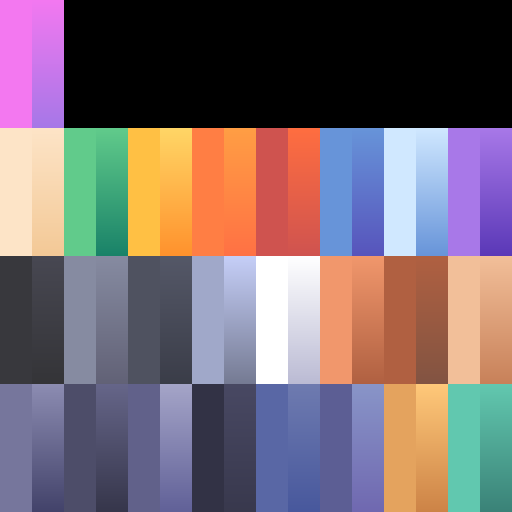
- 1 file alongside the mesh, 11.8 KB.
- Triangles
- 8, over 16 vertices
- Size
- 2 m wide, 0 m tall, 2 m deep (glTF units)
- Licence
- CC0-1.0. Use it in anything, commercial included, no attribution required.
- Author
- Kenney
- Pack
- Factory Kit, 143 models
Use Top Large Checkerboard in a Godot game
It is glTF, the 3D format Godot recommends, so Godot 4 imports it with no plugin and no conversion.
- Download
top-large-checkerboard.glband its texture: colormap.png. Put the texture in a folder namedTexturesbeside the model file: the model looks forTextures/colormap.png, and without it Godot imports the model with no textures. - Drag the model and its
Texturesfolder from your file manager into the FileSystem dock of the Godot 4 editor. Godot imports them on its own. - Drag
top-large-checkerboard.glbfrom the FileSystem dock into the 3D view. It arrives as a scene of its own, 2 m wide, 0 m tall and 2 m deep: glTF and Godot both measure in metres, so the size carries over. It is 8 triangles.
Kenney released it under CC0-1.0, so it can ship in a game you sell, with no credit required.
Build with it in Flockbay
Kenney's Factory Kit is already in Flockbay's library, Top Large Checkerboard included, so you can skip the download.
Ask Flockbay to put Top Large Checkerboard in your world, or ask your own agent (Claude Code, Codex or Cursor, connected over MCP). Either one finds it in the library, brings the file into your Godot project and places it. To place it by hand, use Place in the Godot editor.
Download Flockbay for Windows Flockbay: a free AI game maker built on Godot